How do I remove a user from my study?
To remove a user from your study within Foundation, you will:
- Navigate to the "My Studies" page.
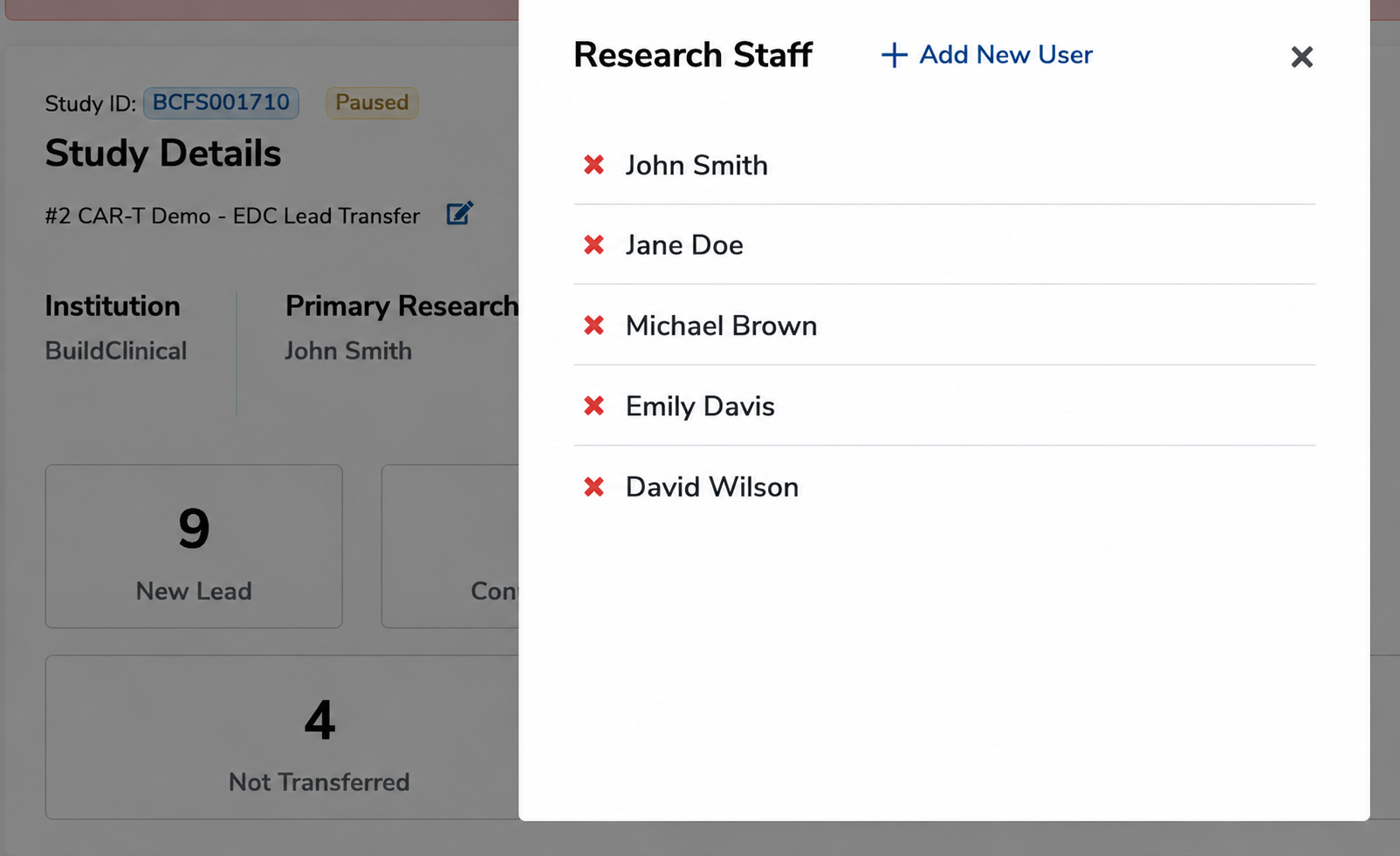
- Under the study in which you would like to remove a user, select the '+' button located under "Research Staff."
- Find the user you would like to remove and click the 'x' next to their name.
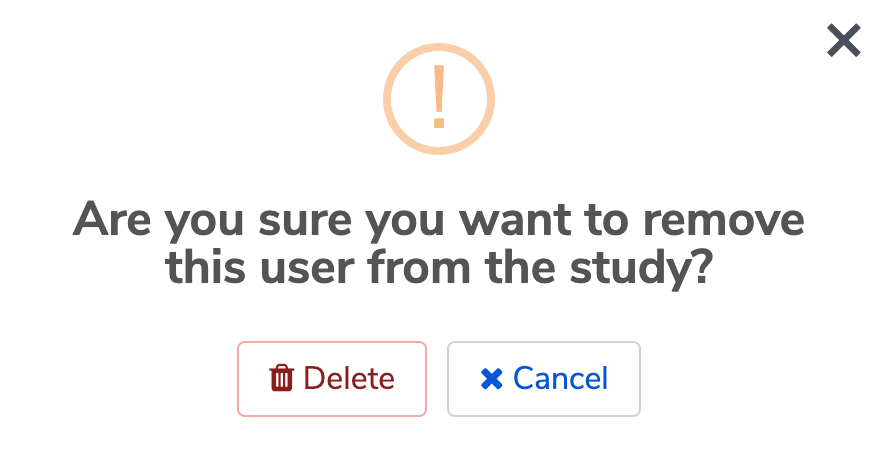
- Click "Delete" to confirm that the user should be removed from the study.